 Elsa Addison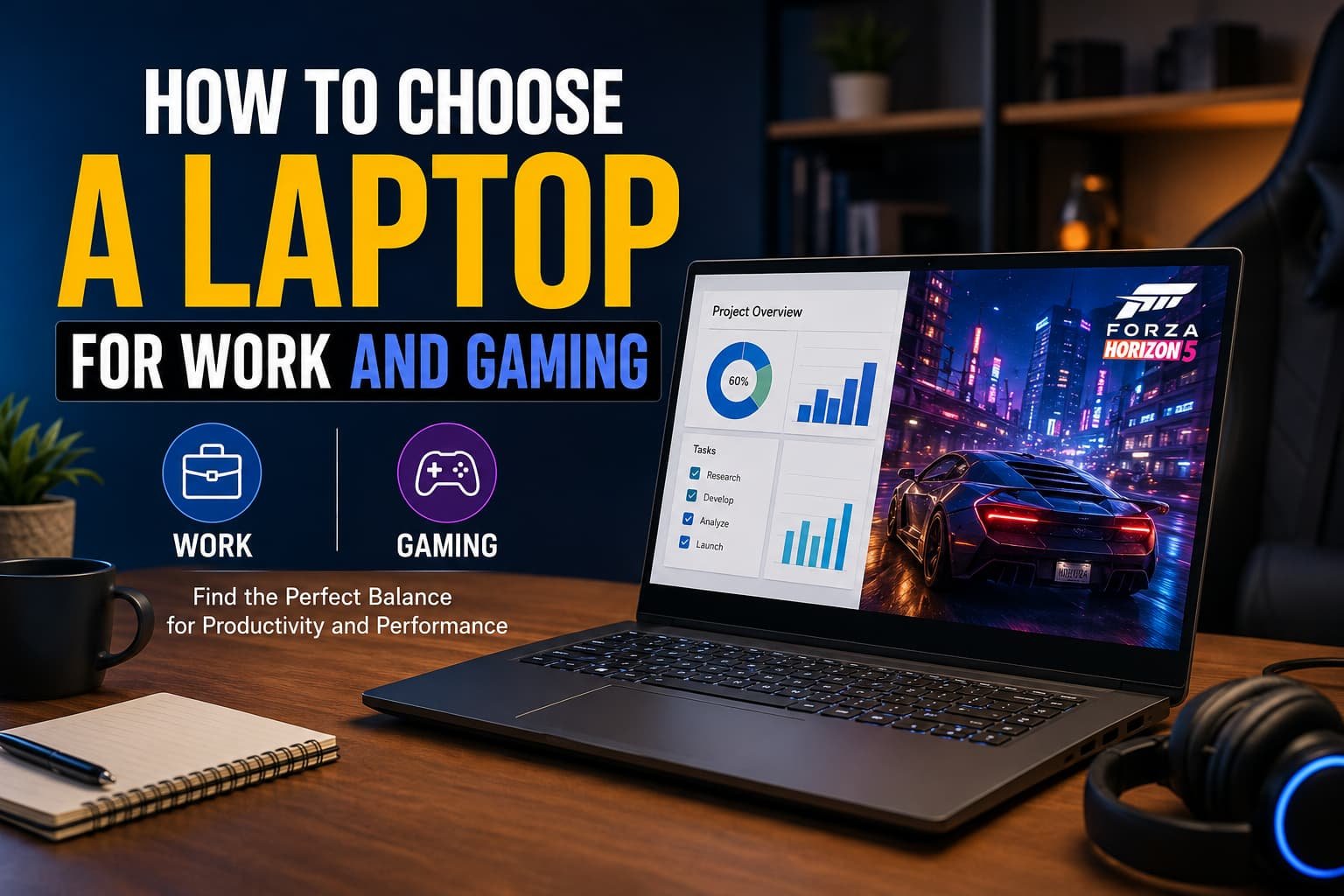
Buying a laptop sounds simple until you realize you need it to do two very different jobs. On one hand, you need a reliable machine for work, handling emails, spreadsheets, video meetings, content creation, or programming. On the other hand, you want enough power to enjoy modern games without lag, overheating, or frustrating performance issues.
In my experience, choosing a laptop that balances both productivity and gaming requires more thought than simply buying the most expensive model available. Over the years, I’ve tested different laptops for work, gaming, and hybrid use, and I’ve learned that the best option is usually the one that matches your specific needs rather than the one with the highest specifications.
This guide will help you understand exactly what to look for when choosing a laptop for work and gaming, so you can make a smart investment that serves you well for years.
Why Choosing the Right Hybrid Laptop Matters
Many people make one of two mistakes:
- They buy a business laptop that struggles with games.
- They buy a gaming laptop that feels bulky and inconvenient for everyday work.
A good work-and-gaming laptop should offer:
- Strong multitasking performance
- Smooth gaming experience
- Comfortable portability
- Reliable battery life
- Good cooling system
- Professional appearance
Finding the right balance is the key.
Read More: What Is Generative AI? Complete Beginner’s Guide
Step 1: Start with Your Primary Use Case
Before looking at specifications, ask yourself one simple question:
Will you spend more time working or gaming?
For example:
Mostly Work, Occasional Gaming
You may spend:
- 80% of your time working
- 20% of your time gaming
In this case, prioritize:
- Battery life
- Portability
- Comfortable keyboard
- Efficient processor
Equal Work and Gaming
You may use:
- Productivity software during the day
- Games in the evening
You’ll need a balanced machine with:
- Dedicated graphics
- Strong CPU
- Quality display
- Good cooling
Heavy Gaming with Work Tasks
If gaming is your priority, focus on:
- Powerful GPU
- High refresh-rate display
- Advanced cooling
- Larger chassis
Understanding your usage pattern makes every other decision easier.
Step 2: Choose the Right Processor (CPU)
The processor is the brain of your laptop.
For both work and gaming, I usually recommend modern mid-range to high-end processors because they deliver excellent performance without dramatically increasing the price.
Ideal CPU Options
Look for:
- Intel Core i7
- Intel Core Ultra 7
- AMD Ryzen 7
- AMD Ryzen 9 (for demanding users)
These processors can handle:
- Multitasking
- Video conferencing
- Content creation
- Programming
- Modern gaming
What to Avoid
If possible, avoid entry-level processors when buying a laptop intended for gaming and professional work.
While they may save money initially, they often become a limitation within a few years.
Step 3: Pay Close Attention to the Graphics Card (GPU)
If gaming is important, the graphics card is one of the most critical components.
Many work laptops rely solely on integrated graphics, which are fine for office tasks but struggle with modern games.
Recommended GPU Options
For smooth gaming and productivity:
- NVIDIA GeForce RTX 4050
- NVIDIA GeForce RTX 4060
- NVIDIA GeForce RTX 4070
- AMD Radeon equivalent models
In my experience, the RTX 4060 often provides the best balance between performance, heat management, and value.
Why a Dedicated GPU Helps Work Too
A dedicated graphics card is not only useful for gaming.
It also improves performance in:
- Video editing
- 3D design
- Graphic design
- AI-based applications
- Creative software
Step 4: Get Enough RAM
RAM affects how smoothly your laptop handles multiple tasks at once.
Think of RAM as your laptop’s short-term memory.
Minimum Recommendation
For work and gaming:
- 16GB RAM
Ideal Recommendation
For power users:
- 32GB RAM
This becomes especially useful if you:
- Edit videos
- Run virtual machines
- Use large spreadsheets
- Keep many browser tabs open
- Stream while gaming
One lesson I’ve learned is that insufficient RAM can make even a powerful laptop feel slow.
Step 5: Never Compromise on Storage
Storage impacts both speed and capacity.
Traditional hard drives are largely outdated for modern laptops.
What to Look For
Choose:
- SSD (Solid State Drive)
- NVMe SSD preferred
Recommended Capacities
- 512GB SSD: Good starting point
- 1TB SSD: Ideal for most users
- 2TB SSD: Great for gamers and creators
Games today can easily consume 100GB or more each.
A larger SSD prevents constant storage management headaches.
Step 6: Choose a Display That Works for Both Productivity and Gaming
The display is where you’ll spend all your time, so it deserves careful consideration.
Screen Size
Popular options include:
- 14-inch
- 15.6-inch
- 16-inch
For balanced use, I personally find 15.6-inch or 16-inch displays ideal.
They provide:
- Better workspace
- Improved gaming immersion
- Comfortable multitasking
Resolution
Aim for:
- Full HD (1920×1080) minimum
- QHD (2560×1440) preferred
Refresh Rate
For gaming:
- 120Hz
- 144Hz
- 165Hz
Higher refresh rates make gameplay noticeably smoother.
Even everyday tasks like scrolling and navigating feel more responsive.
Step 7: Evaluate Battery Life Realistically
One common misconception is that gaming laptops offer all-day battery life.
In reality, powerful hardware consumes more energy.
What to Expect
For work:
- 6–10 hours is reasonable
For gaming:
- Most laptops last much less when unplugged
My advice is simple:
Choose a laptop with decent battery life, but expect to keep the charger nearby during gaming sessions.
Step 8: Don’t Ignore Cooling Performance
Cooling is one of the most overlooked factors when buying a laptop.
A powerful laptop with poor cooling often performs worse than a slightly less powerful laptop with excellent thermal management.
Signs of Good Cooling
Look for:
- Dual-fan cooling systems
- Multiple heat pipes
- Large ventilation areas
- Positive thermal reviews
Poor cooling can cause:
- Reduced gaming performance
- Loud fan noise
- Shortened component lifespan
Always check real-world reviews before buying.
Step 9: Consider Build Quality and Portability
A laptop used for work often travels with you.
Weight and build quality become important quickly.
Ideal Weight Range
For portability:
- 1.5 kg to 2.3 kg
Durable Materials
Look for:
- Aluminum chassis
- Magnesium alloy construction
- Reinforced hinges
A sturdy laptop feels better to use and generally lasts longer.
Step 10: Make Sure Connectivity Meets Your Needs
Many buyers overlook ports until after purchase.
Before buying, verify that the laptop includes:
- USB-C ports
- USB-A ports
- HDMI output
- Audio jack
- Wi-Fi 6 or Wi-Fi 7 support
- Bluetooth connectivity
This can save you from constantly carrying adapters and dongles.
Features Worth Paying Extra For
Some upgrades genuinely improve the experience.
I recommend considering:
Better Keyboard
You’ll appreciate this every day if you write, code, or work extensively.
Higher Quality Webcam
Essential for:
- Remote work
- Online meetings
- Virtual interviews
Better Speakers
Useful for:
- Entertainment
- Presentations
- Casual gaming
Upgradeable RAM and Storage
This provides flexibility and extends the laptop’s lifespan.
Common Mistakes to Avoid
Over the years, I’ve noticed several purchasing mistakes repeatedly.
Buying Based Only on GPU
Gaming performance matters, but poor battery life and weak build quality can become frustrating.
Ignoring Thermal Reviews
Raw specifications don’t tell the full story.
Cooling performance often separates good laptops from great ones.
Choosing the Cheapest Option
A lower upfront price can lead to faster replacement costs later.
Buying More Power Than You Need
Not everyone needs the highest-end graphics card available.
Pay for performance you’ll actually use.
Quick Checklist Before You Buy
Use this checklist when comparing laptops:
✔ Modern Intel Core i7/Core Ultra 7 or AMD Ryzen 7 processor
✔ Dedicated GPU (RTX 4050 or higher)
✔ At least 16GB RAM
✔ SSD storage (preferably 1TB)
✔ Full HD or QHD display
✔ 120Hz+ refresh rate
✔ Effective cooling system
✔ Strong battery life
✔ Good keyboard and webcam
✔ Sufficient ports and connectivity
If a laptop checks most of these boxes, it’s likely a strong candidate for both work and gaming.
Final Thoughts
Choosing a laptop for work and gaming is all about balance. The ideal machine should help you stay productive during the day while delivering enjoyable gaming performance when it’s time to relax.
In my experience, the best laptops aren’t necessarily the most expensive ones. They’re the models that combine reliable performance, practical features, solid cooling, and long-term value. By focusing on the processor, graphics card, RAM, storage, display, and build quality, you can avoid common buying mistakes and find a laptop that truly fits your lifestyle.
Take your time, compare options carefully, and think about how you’ll use the laptop every day. A thoughtful decision today can save you money, frustration, and future upgrades while giving you a device that excels at both work and play.