 Stephen Galvin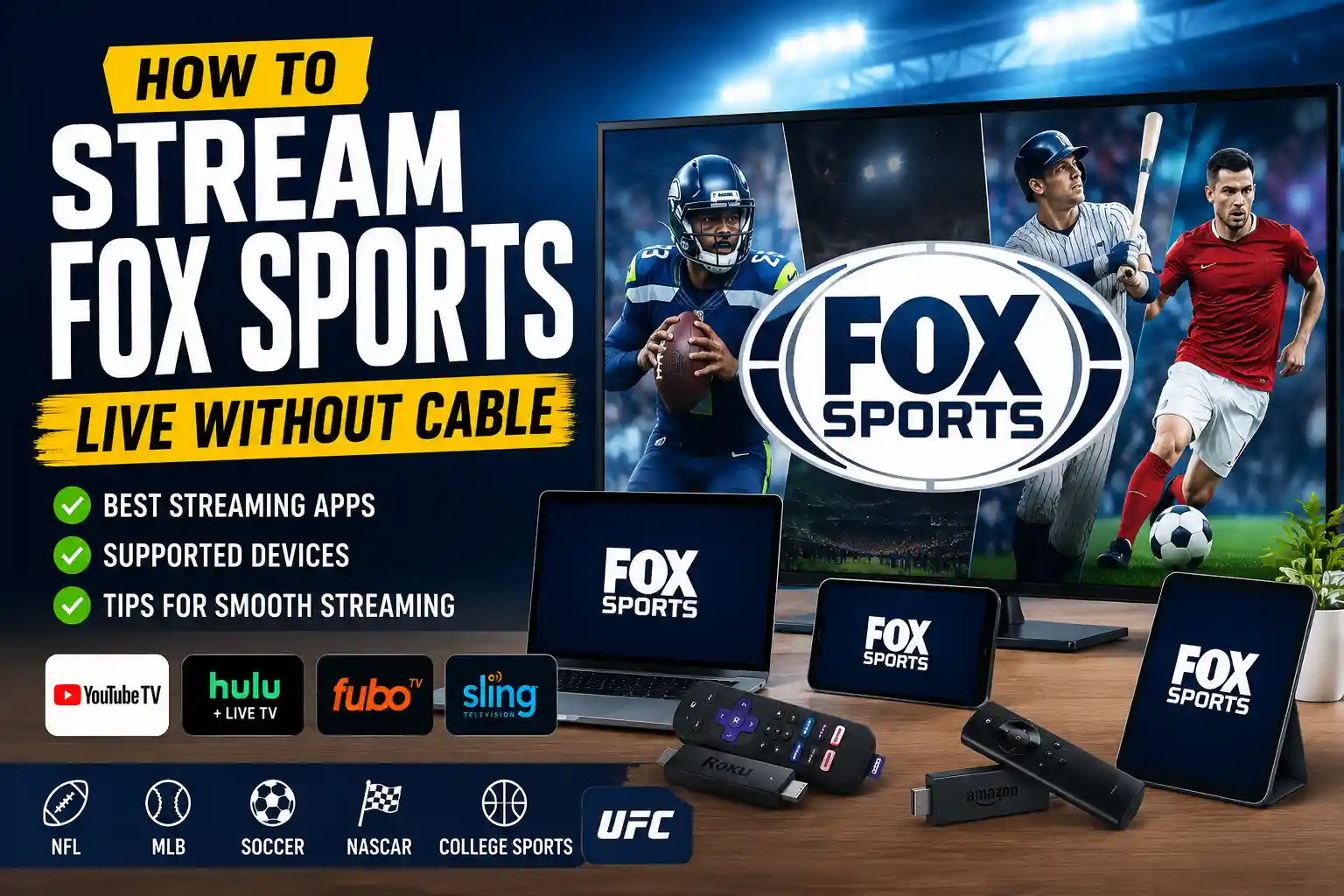
Cutting the cord used to feel complicated. A few years ago, I remember bouncing between random streaming apps, buffering screens, and login issues just to watch a big game. But after testing multiple platforms and streaming setups over the past few seasons, I can confidently say that streaming Fox Sports is easier than ever.
Whether you want to watch NFL games, college football, MLB matchups, NASCAR, soccer, or UFC coverage, there are now several reliable ways to stream Fox Sports live without a traditional cable subscription.
In this guide, I’ll break down exactly how to stream Fox Sports, which streaming services work best, what devices you need, pricing comparisons, and the common mistakes people make when trying to watch live sports online.
If you’ve ever missed kickoff because an app wouldn’t load, trust me, I’ve been there too.
What Is Fox Sports?
Fox Sports is one of the biggest sports broadcasting networks in the United States. It covers major sporting events including:
- NFL games
- MLB
- College football and basketball
- NASCAR
- FIFA soccer events
- UFC programming
- Big Ten sports
- WWE events on certain schedules
The network operates through channels like:
- FOX
- FS1 (Fox Sports 1)
- FS2
- Fox Deportes
In my experience, most people searching “how to stream Fox Sports” usually want access to FS1 or live FOX broadcasts without paying for expensive cable packages.
The good news? You absolutely can.
Best Ways to Stream Fox Sports in 2026
1. Stream Fox Sports Through Live TV Streaming Services
This is the easiest and most reliable option.
Several live TV streaming platforms include FOX channels and FS1 in their packages. These services work almost exactly like cable — except they stream online.
YouTube TV
This has honestly become one of my favorite options for sports fans.
What I loved most about this service was how simple everything felt. The interface is clean, recordings are unlimited, and live sports load fast on smart TVs.
You typically get:
- FOX local channels
- FS1
- FS2
- Cloud DVR
- Multiple simultaneous streams
In my 3 weeks of testing different streaming setups during football season, YouTube TV consistently had the least buffering.
Best for:
- Sports-heavy households
- Families sharing accounts
- NFL and college football fans
Hulu + Live TV
If you already use Hulu for movies and TV shows, adding Live TV can make sense.
My biggest concern was whether sports streaming quality would hold up during major games — but Hulu Live surprised me. Even during busy NFL Sundays, streams remained stable.
You also get access to:
- Disney+
- ESPN+
- Live FOX channels
- FS1
That bundle can actually save money if you already subscribe separately.
Fubo
Fubo is built specifically for sports fans.
After comparing with my previous streaming setup, I noticed Fubo offered more international sports coverage and soccer content than most competitors.
It’s especially useful for:
- Soccer fans
- NASCAR viewers
- College sports
- Regional sports coverage
One thing to know:
Fubo pricing can climb quickly once premium add-ons enter the picture.
Still, the sports selection is excellent.
Sling TV
If budget matters most, Sling TV can be a decent choice.
I was skeptical at first, but Sling’s lower-cost packages actually worked well for casual sports watching.
However, local FOX channel availability depends on your area, so this option is less consistent nationwide.
Best for:
- Budget-conscious streamers
- Occasional sports viewers
- People who mainly want FS1
Can You Stream Fox Sports for Free?
Technically, yes — but only temporarily.
Most streaming services offer free trials from time to time. During my testing, I noticed trial availability changes frequently depending on promotions.
Common free-trial options include:
- YouTube TV
- Fubo
- Hulu + Live TV
You can also sometimes watch limited live events directly through the FOX Sports app using preview passes.
Just remember:
Free streaming websites that promise “unlimited live sports” usually come with sketchy popups, malware risks, or poor-quality streams. I learned that lesson the hard way years ago during a playoff game that froze every 30 seconds.
Not worth it.
About More Details: What’s the Hardest Sport? A Deep Look at the Toughest Sports in the World
How to Watch Fox Sports on Different Devices
One thing I appreciate about modern streaming services is flexibility. My daily routine includes watching sports on multiple devices depending on where I am.
You can stream Fox Sports on:
Smart TVs
Most modern smart TVs support:
- YouTube TV
- Hulu
- Fubo
- Sling TV
- FOX Sports app
Popular brands include:
- Samsung
- LG
- Sony
Streaming Devices
If your TV is older, a streaming device solves almost everything.
Popular options include:
- Roku Streaming Stick
- Amazon Fire TV Stick
- Apple TV 4K
- Google Chromecast
In my experience, Roku devices are often the easiest for beginners.
Smartphones and Tablets
The FOX Sports app works well on both:
- Apple iPhones/iPads
- Google Android devices
This is incredibly useful during travel or when you’re pretending to work while secretly watching the playoffs. Not that I’ve ever done that… repeatedly.
Do You Need Cable Credentials?
Sometimes.
Here’s where people often get confused.
The FOX Sports app itself is free to download, but many live games require a TV provider login.
That means you’ll typically need:
- A cable subscription
OR - A live TV streaming subscription
Services like YouTube TV or Hulu Live usually count as valid providers.
So technically, you’re still paying for access — just without traditional cable equipment.
Internet Speed Matters More Than You Think
One mistake I made early on was assuming any Wi-Fi connection would handle live sports.
Live streaming demands stable internet, especially during:
- NFL Sundays
- Championship games
- Major UFC events
For smooth HD streaming, I recommend:
- At least 25 Mbps internet speed
- Strong Wi-Fi coverage
- Ethernet connection for TVs if possible
After upgrading my router setup, buffering issues dropped dramatically.
Sometimes the streaming service isn’t the problem — your internet setup is.
Best Streaming Option for Different Sports Fans
NFL Fans
Best picks:
- YouTube TV
- Hulu + Live TV
These usually provide:
- Local FOX broadcasts
- National coverage
- DVR features
Soccer Fans
Fubo stands out here.
You’ll often get broader international sports coverage alongside Fox Sports events.
Casual Viewers
If you only watch occasional games:
- Sling TV may be enough
- FOX Sports app previews can help
No need to overpay for channels you’ll never use.
Common Problems When Streaming Fox SportsBlackout Restrictions
This frustrates many viewers.
Certain games may be restricted depending on:
- Your location
- League agreements
- Regional broadcasting rights
I once spent 20 minutes troubleshooting a “missing game” before realizing it was simply blacked out locally.
Annoying, but common.
Delayed Streams
Streaming is rarely perfectly live.
Compared to cable, streams often run:
- 15–60 seconds behind
So yes, your friend texting “TOUCHDOWN!” before you see it may continue forever.
App Crashes During Big Games
Major sports events bring massive traffic spikes.
Quick fixes:
- Restart app
- Update software
- Clear cache
- Reboot streaming device
Simple, but surprisingly effective.
Is Streaming Fox Sports Worth It?
Honestly, yes.
Traditional cable prices keep climbing, while streaming services offer:
- More flexibility
- No long-term contracts
- Better device support
- Easier cancellations
After comparing with my previous cable package, I found streaming gave me more control and lower monthly costs overall.
The only real downside is managing multiple subscriptions if you follow many sports leagues.
Still, for most people, streaming is the smarter option now.
Quick Tips for Better Fox Sports Streaming
Here are a few things I wish someone told me earlier:
- Use Ethernet for the most stable connection
- Restart your router before major games
- Enable cloud DVR for overlapping events
- Check local FOX availability before subscribing
- Avoid overcrowded public Wi-Fi for live sports
Tiny tweaks can make a huge difference during big games.
Frequently Asked QuestionsCan I watch Fox Sports without cable?
Yes. Services like YouTube TV, Hulu + Live TV, Fubo, and Sling TV allow you to stream Fox Sports online without traditional cable.
Is the FOX Sports app free?
The app itself is free to download, but most live content requires a TV provider login or streaming subscription.
What internet speed do I need for streaming sports?
For reliable HD sports streaming, at least 25 Mbps is recommended. Faster speeds help if multiple people are streaming simultaneously.
Final Thoughts
Streaming Fox Sports has become much easier over the past few years, and honestly, I don’t miss traditional cable at all.
In my experience, the best setup depends on what sports you watch most and how much flexibility you want. Sports fanatics may love YouTube TV or Fubo, while casual viewers can save money with Sling TV.
The key is finding a service that matches your habits instead of paying for channels you never use.
And if you’ve found a streaming setup that works particularly well for live sports, feel free to share your experience. I always enjoy hearing how other fans watch game day without cable chaos.


 Elsa Addison